These unwanted case fields/account fields in the SupportHub can be removed.
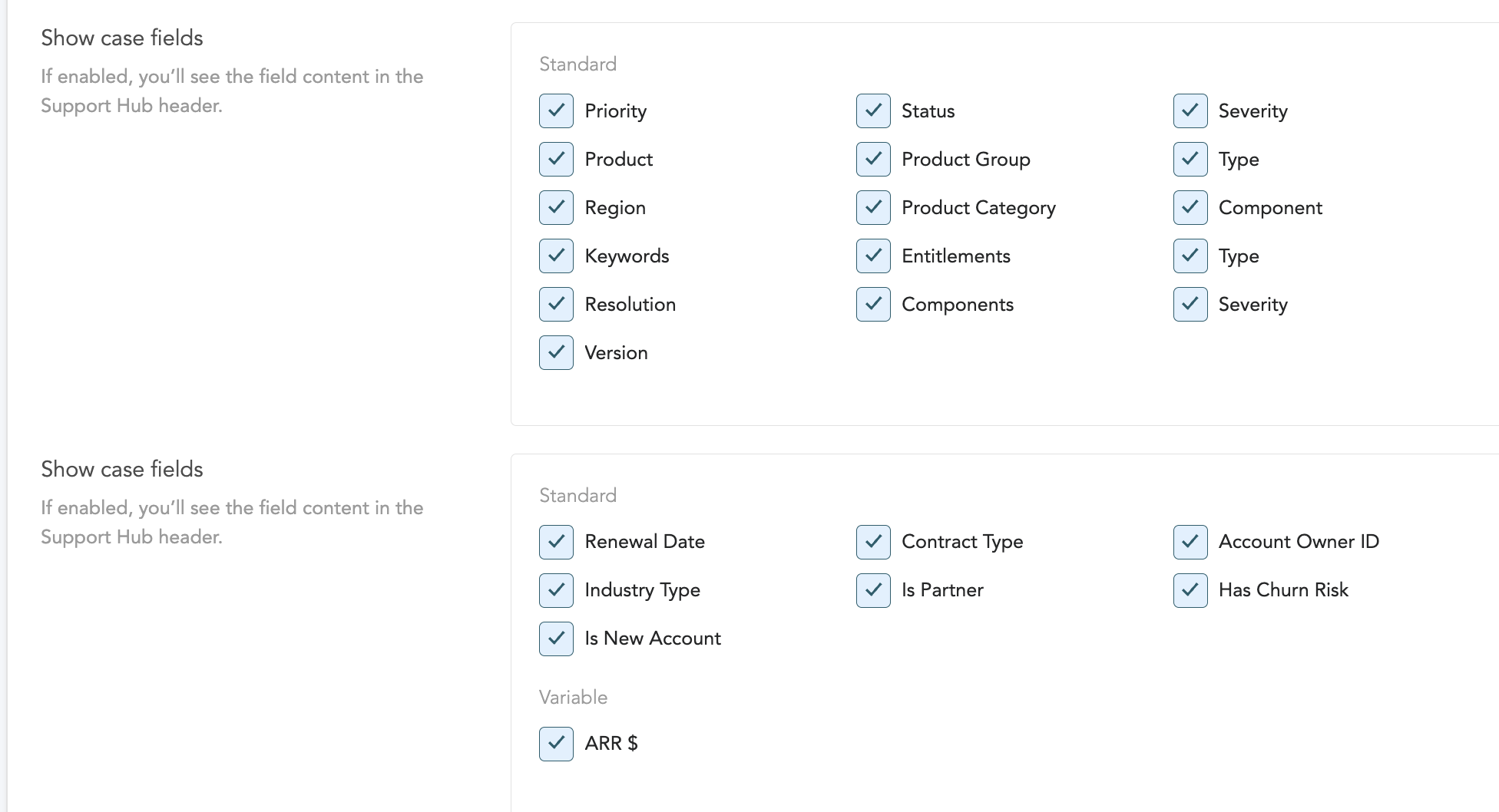
Go to Settings >> Support Hub >> Show case fields.
Select only those case fields/account fields that you want to be displayed in the SupportHub.
Was this article helpful?
That’s Great!
Thank you for your feedback
Sorry! We couldn't be helpful
Thank you for your feedback
Feedback sent
We appreciate your effort and will try to fix the article