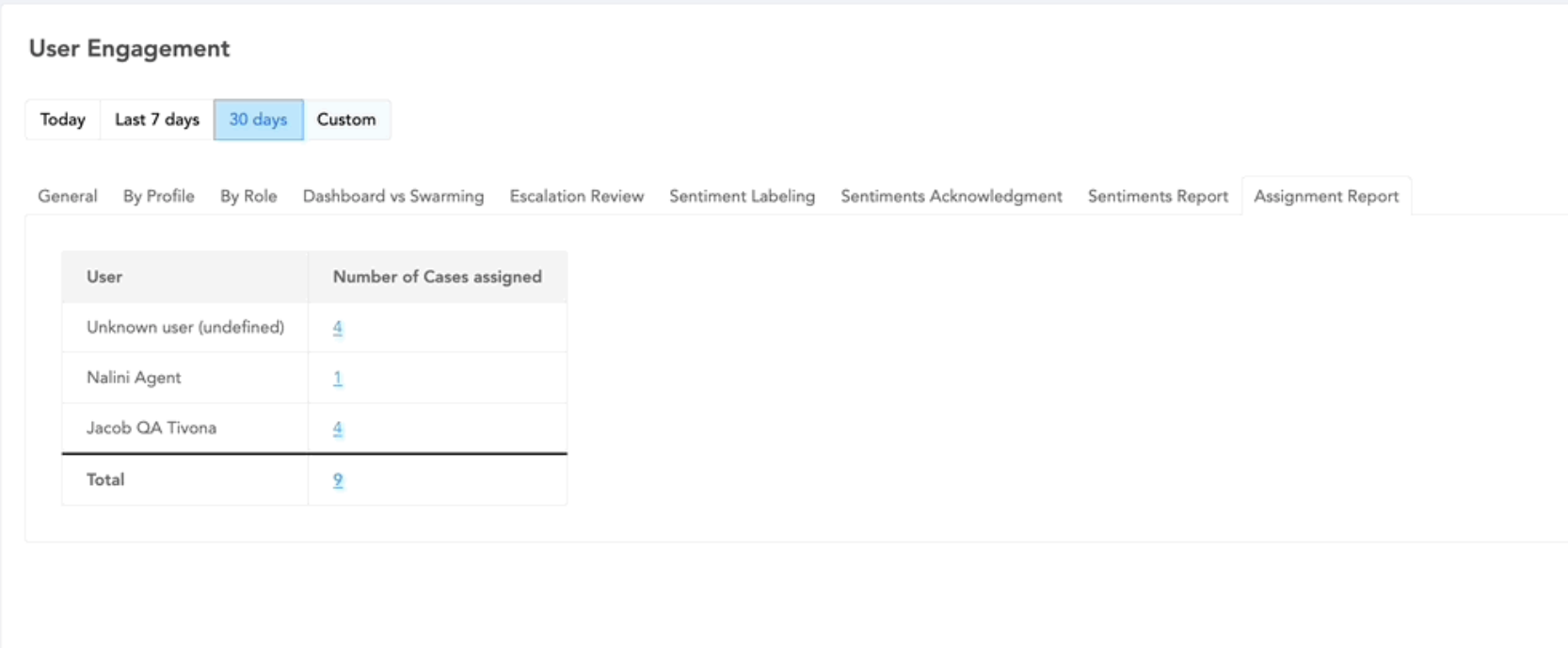
Navigate to Analytics → Engagement to access engagement reports. You can customize the reports by selecting the required date range. In the User column, Unknown indicates the number of tickets assigned automatically, while manually assigned tickets display the names of the users who performed the assignments. To view the detailed report, click the case list link in the Number of Assigned Cases column. |
Was this article helpful?
That’s Great!
Thank you for your feedback
Sorry! We couldn't be helpful
Thank you for your feedback
Feedback sent
We appreciate your effort and will try to fix the article