Purpose: This article explains the common reasons why the Assignment Board in SupportLogic may appear empty or show delayed case visibility. Delayed Case Appearance on the Assignment Board:Cases may not appear immediately due to the following reasons:
Cases Not Appearing on the Assignment Board at AllIf cases do not appear on the Assignment Board, consider the following potential causes:
|
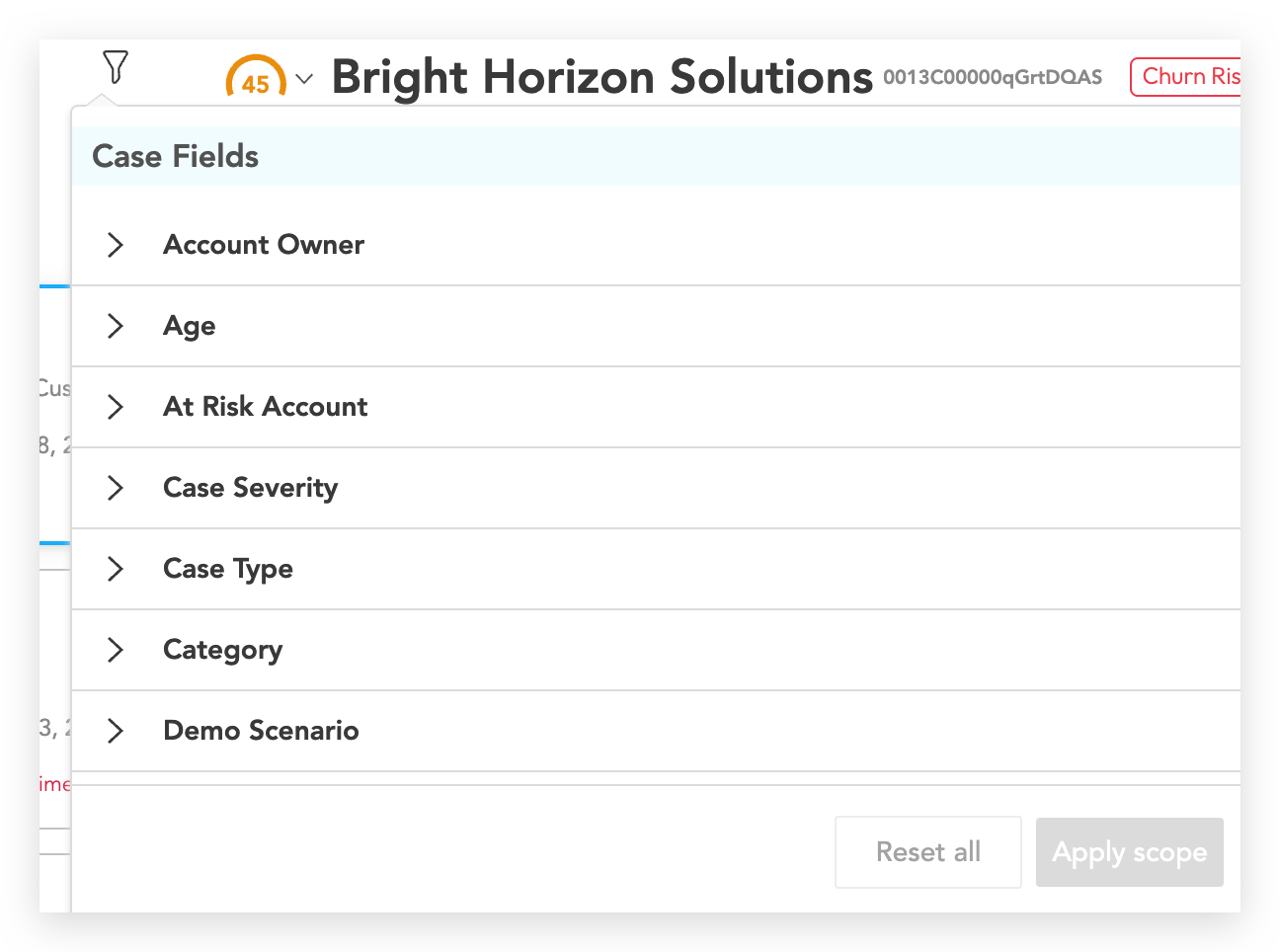
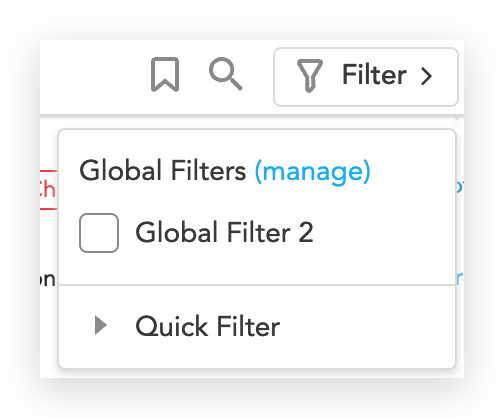
Note:- Allow 5–10 minutes for cases to appear after creation, due to sync timing.
- Fivetran sync delays can add latency to cases ingested into SupportLogic due to source API limits, data volume, and destination performance.
- Check for any filters applied on the Assignment Board page and adjust or remove them to validate visibility.
Was this article helpful?
That’s Great!
Thank you for your feedback
Sorry! We couldn't be helpful
Thank you for your feedback
Feedback sent
We appreciate your effort and will try to fix the article