Purpose:
To provide clarity on when and why the Secondary Audit option appears in Elevate SX, helping users understand the logic behind its availability and how it supports re-evaluation workflows.
Description:
The Secondary Audit option in Elevate SX is designed to allow auditors to revisit and re-assess cases that have undergone significant changes since their initial audit. This functionality ensures that any new developments, such as added communications or updated resolutions, are thoroughly reviewed.
When is the Secondary Audit option available?
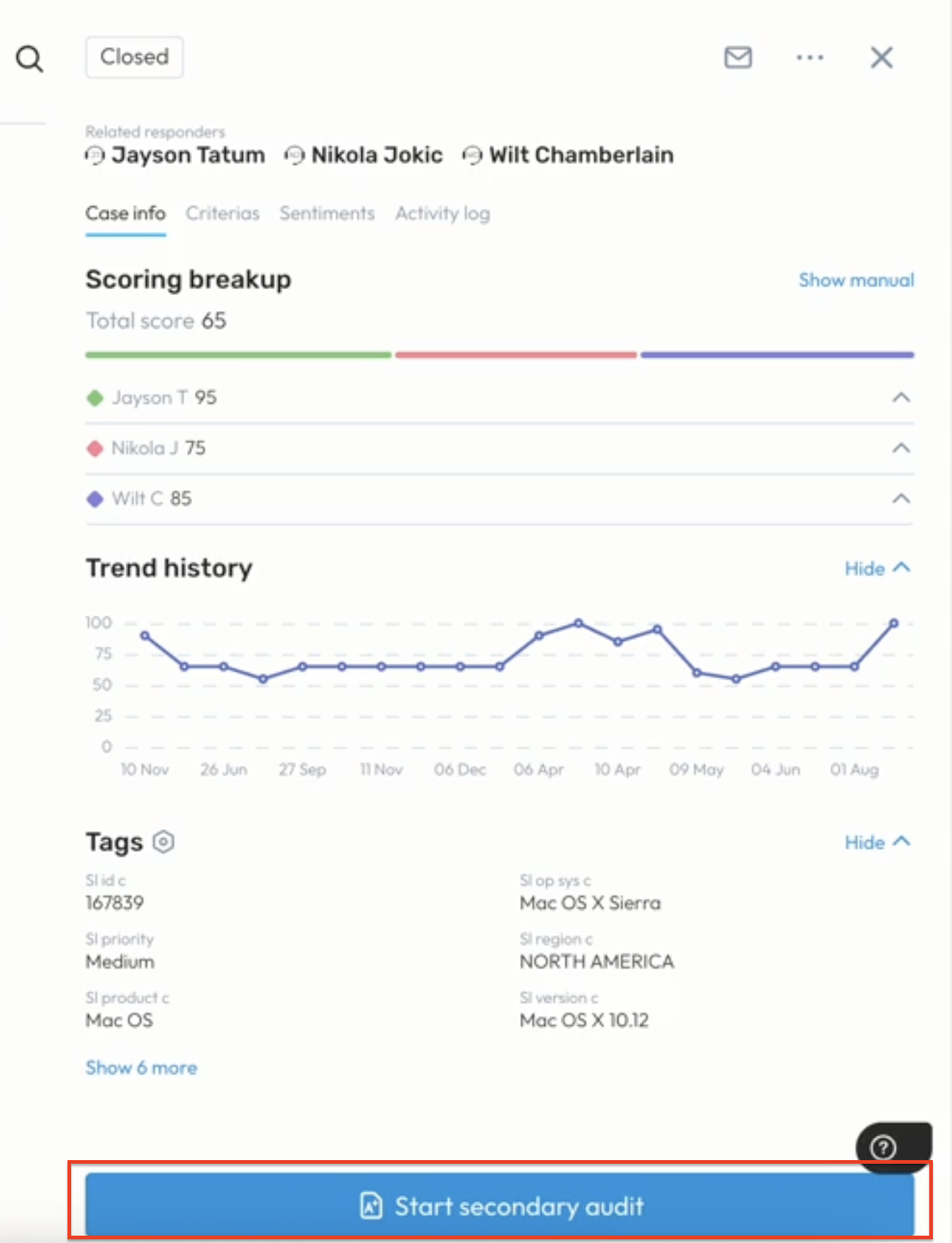
Closed and audited cases, when reopened, might require another audit.
Note:
If the case remains open and has not been closed and reopened after the first audit, the Secondary Audit option will not be displayed.
This restriction ensures audits are conducted only when there’s a clear and meaningful status change that justifies a second review.
Was this article helpful?
That’s Great!
Thank you for your feedback
Sorry! We couldn't be helpful
Thank you for your feedback
Feedback sent
We appreciate your effort and will try to fix the article