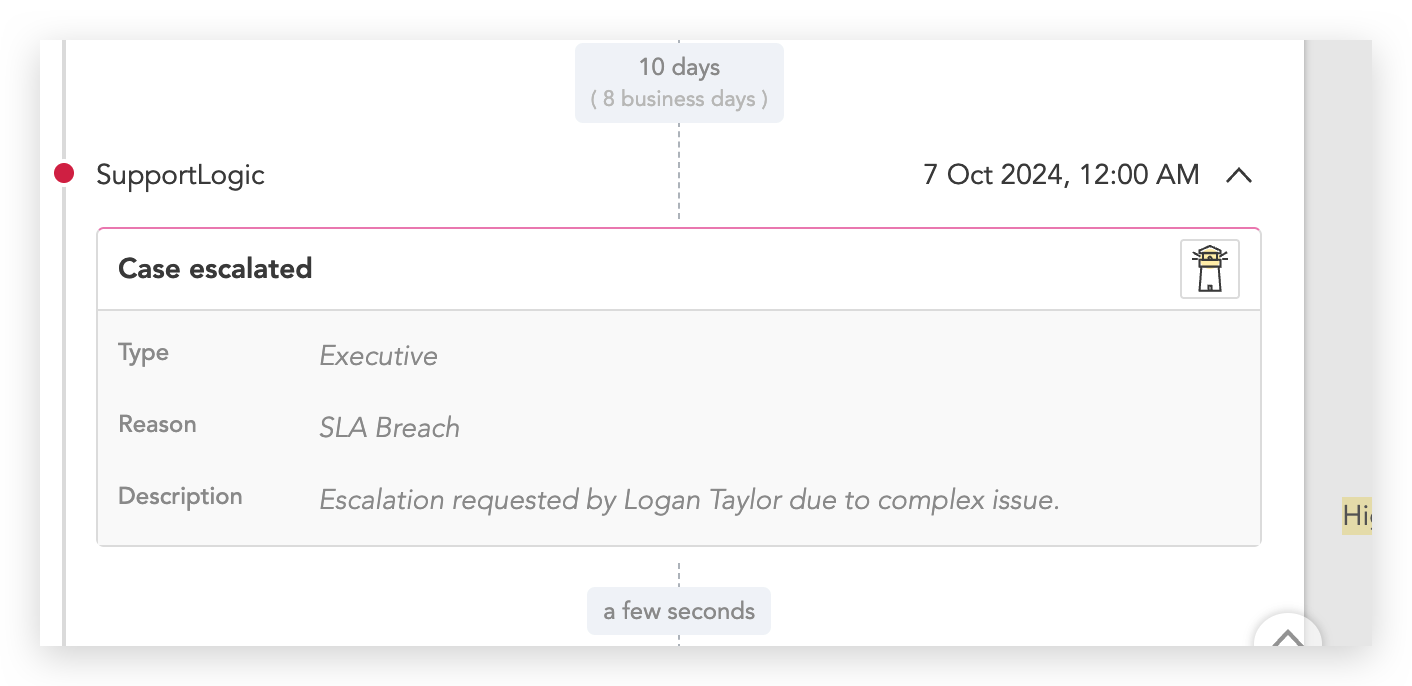
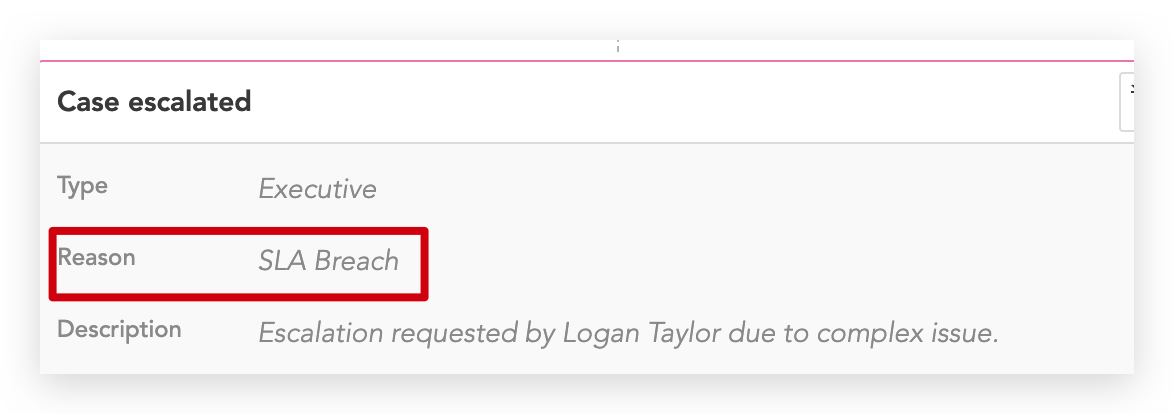
Introduction: This article is about the issue where the escalation reason code appeared in the SupportLogic UI instead of a descriptive label. It explains why this occurred, how it could be resolved, and the next steps. Description: In SupportLogic, the escalation reason clearly describes what caused it. For example, if the escalation is due to an SLA breach, this will appear in SupportHub along with a description of the trigger.
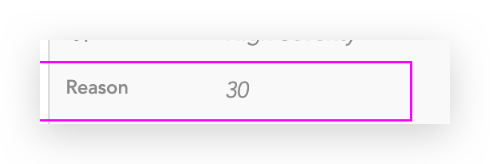
However, due to incorrect mapping, the code allocated for the reason of escalation is displayed instead of the actual reason. This issue may lead to confusion and hinder users ability to fully comprehend the cause of the breach. Best Practices:
|
Was this article helpful?
That’s Great!
Thank you for your feedback
Sorry! We couldn't be helpful
Thank you for your feedback
Feedback sent
We appreciate your effort and will try to fix the article