Purpose:
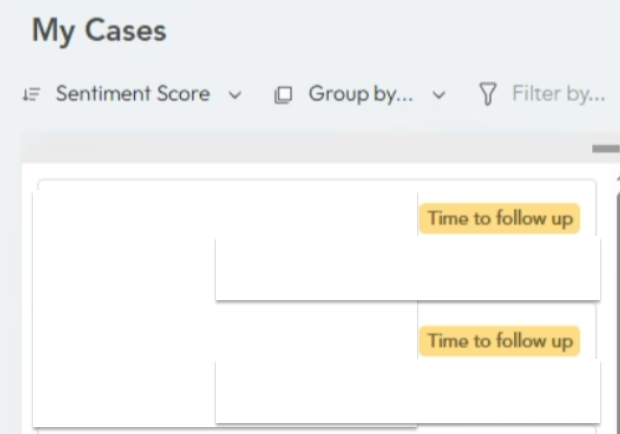
The Time to Follow-up flag in the Agent View helps agents identify cases that require follow-up with the customer. It ensures timely engagement and prevents cases from being delayed due to lack of customer response.
Description:
The Time to Follow-up flag is triggered when:
The last comment on a case was made by the agent.
The comment requires a response or feedback from the customer.
No response has been received from the customer within 48 hours.
How It Works:
Case Analysis:
The system analyzes the comments, and other relevant fields to determine the last interaction.
If the last comment was by the agent and flagged as requiring customer feedback, the system starts monitoring the elapsed time.
Flag Triggering:
If the customer does not respond within 48 hours, the Time to Follow-up flag is displayed in the agent view.
This visually alerts the agent to follow up with the customer to maintain case momentum.
Agent Action:
Agents can use the flag as a prompt to send a reminder or reach out to the customer.
Once the customer responds, the flag is automatically cleared.
Was this article helpful?
That’s Great!
Thank you for your feedback
Sorry! We couldn't be helpful
Thank you for your feedback
Feedback sent
We appreciate your effort and will try to fix the article