Introduction:
The Elevate SX platform provides users with various filters across multiple pages to refine and manage data views efficiently. These filters help narrow down information based on review periods, assignments, responders, and other case-related fields.
Key features of filters in Elevate SX:
Every page in Elevate SX (except the Settings module) includes filters, referred to as Dynamic Filters.
These filters help users narrow down cases or records based on specific criteria for easier management.
Common filter types include Case Status, Priority, Queue/Team, Customer/Account, and Date Range.
Filters are customizable and may include additional options beyond the default visible ones.
A Dynamic Filter consists of one or more filtered members from various case-related fields to refine the displayed data on a page.
Users can create custom filters using multiple fields and conditions tailored to their workflow needs (e.g., Source Tags).
Filters can be saved for future use, allowing quick access to frequently used case views.
If additional criteria to filter cases, click the filter icon on the right-hand side and select the required options.
If the option you would like to use is unavailable in the filters and you would like it to be added to the filters in Elevate, please contact the Support team.
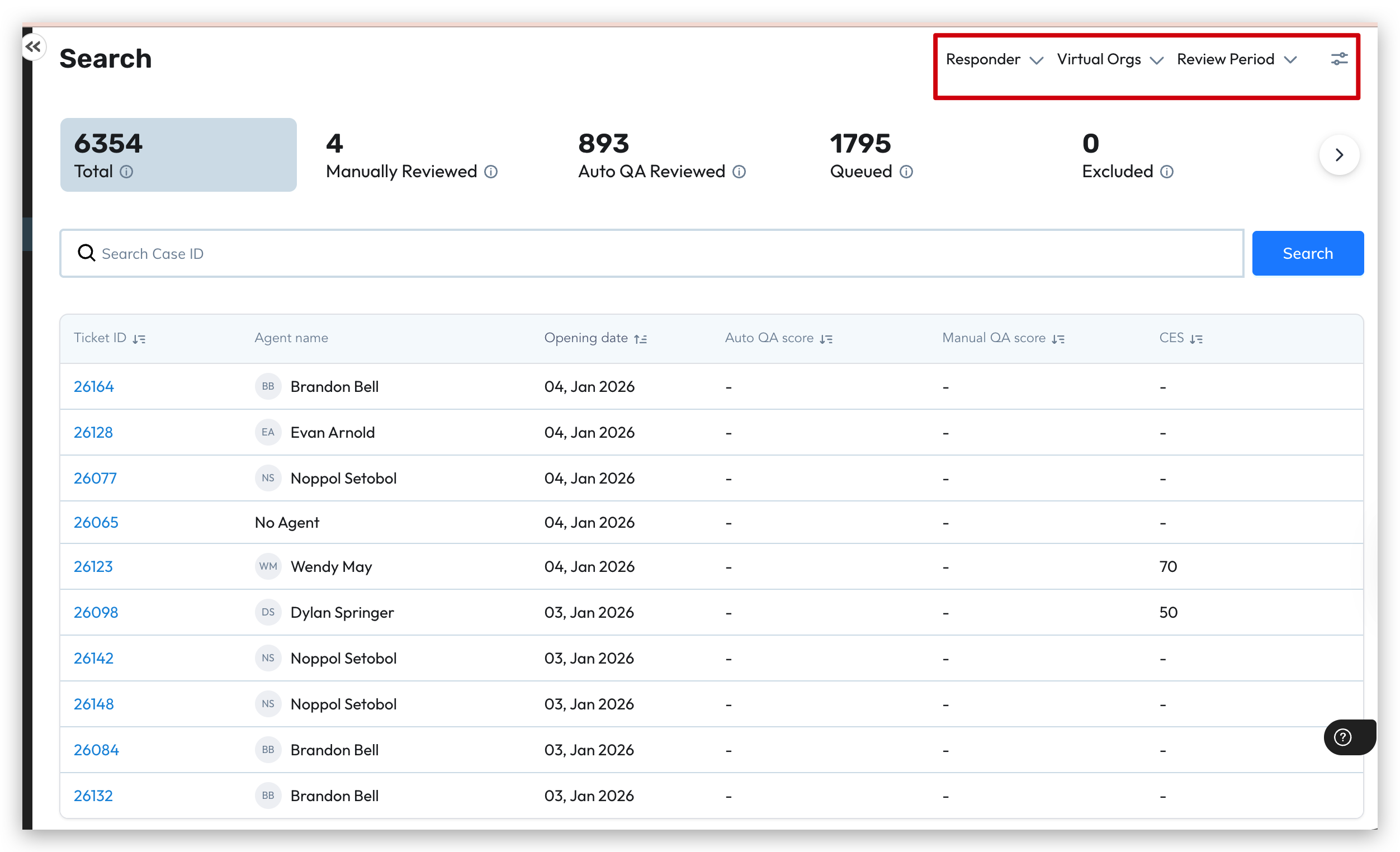
Below are Dynamic filter available by modules:
Dashboard | Tickets Interest | Adv Search | Quality Console | Disputes |
|---|---|---|---|---|
Behaviors | Scorecard | Scorecard | Assignment Date | Case Owner |
Case Owner | Opening Period | Opening Period | Case Owner | Closing Period |
Closing Period | Closing Period | Closing Period | Closing Period | Opening Period |
No. of Comments | Status | Status | Dispute Date | Review Period |
Opening Period | Case Owner | Case Owner | Opening Period | Scorecard |
Priority | Skills | Skills | Scorecard | Virtual Orgs |
QA Scores | Behaviors | Behaviors | Virtual Orgs | |
Skills | Source Tags | Source Tags | ||
Source Tags | Priority | Priority | ||
Status | No. of Comments | No. of Comments | ||
QA Scores | QA Scores |
Note: Additionally, results may be influenced by Global Filters and Date Range selections, allowing for a more tailored and accurate display of data.
Was this article helpful?
That’s Great!
Thank you for your feedback
Sorry! We couldn't be helpful
Thank you for your feedback
Feedback sent
We appreciate your effort and will try to fix the article