Introduction:
The Elevate SX workflow ensures smooth coordination between user management, ticket handling, and synchronization processes. The shared platform with Core SX enhances data integrity, reduces errors, and optimizes operational efficiency for support teams.
Getting started with Elevate
Proper configuration in Elevate is essential for ESX to function correctly. Start by setting up Roles to define user actions and UI, followed by Virtual Teams & Orgs to organize your Dashboard and enable efficient audits (changes must be made in Core). Next, map Users to the appropriate Roles and Groups. Finally, create Scorecards, the core audit checklist—without them, Elevate SX cannot function effectively.
Please click on the link to KB article below to complete these steps, lay the foundation for a streamlined QA process: Overview of Elevate SX
Workflow Overview
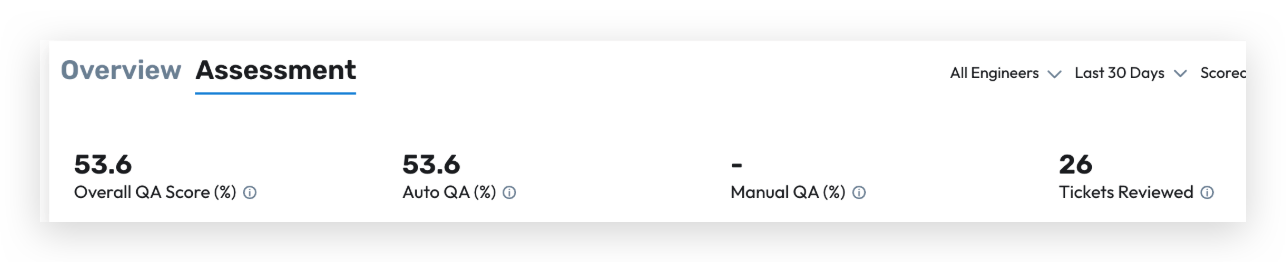
1. Automated QA Scoring
Leverages machine learning models to automate evaluation of support interactions.
Models are pre-trained using historical QA data and customized rubrics.
Automated scoring highlights potential outliers or areas needing manual review.
Purpose:
Reduce manual effort and provide quick, data-driven quality insights.
2. Intelligent Case Assignment to QA
Cases are automatically assigned to QA Analysts using a logic-based assignment engine.
The system considers factors like case type, priority, agent, and QA workload balance.
Assignment rules can be configured to ensure unbiased sampling across agents and case categories.
Purpose:
Optimize QA efficiency and maintain even distribution of cases for review.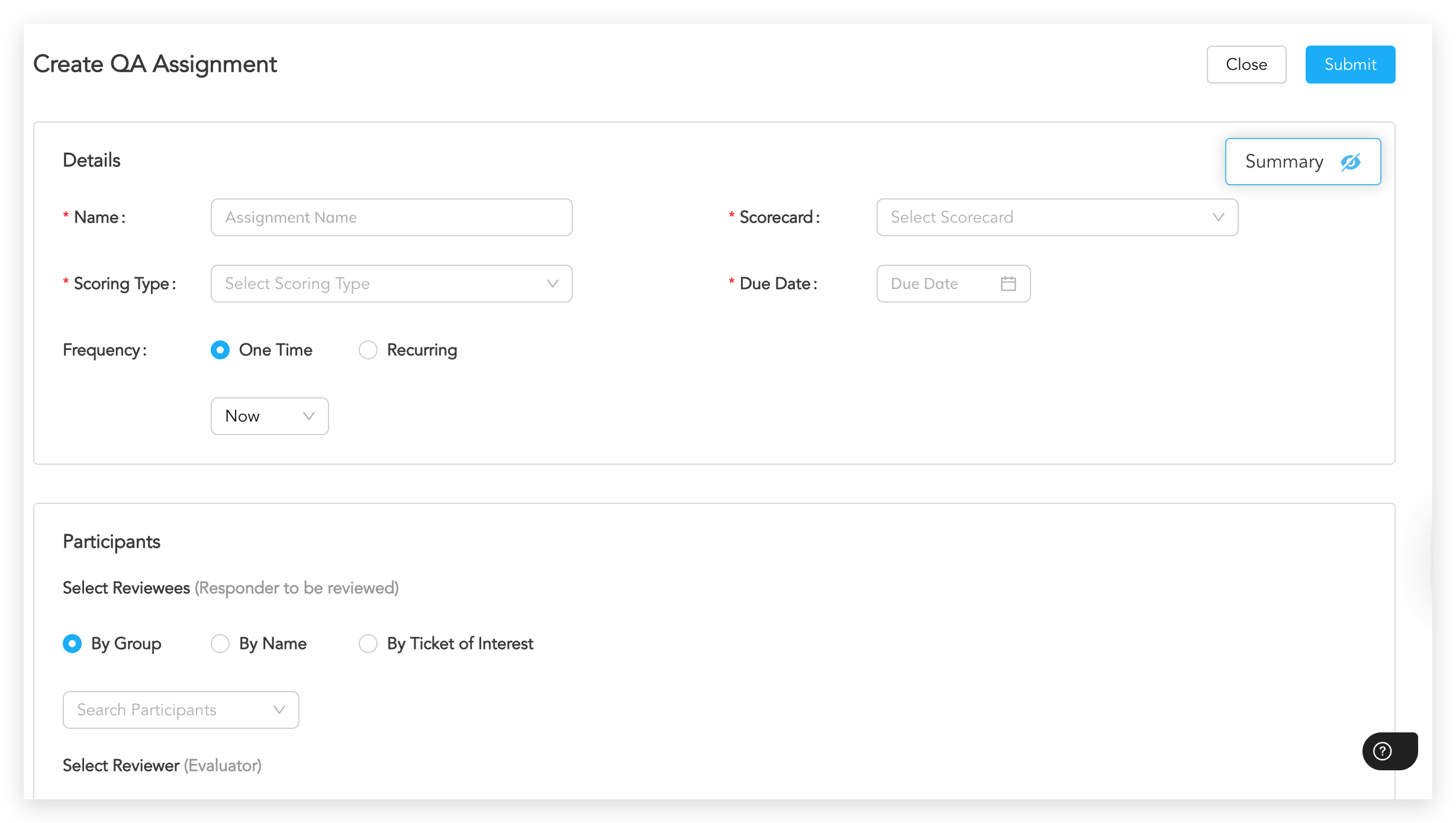
3. Scorecards and Rubrics
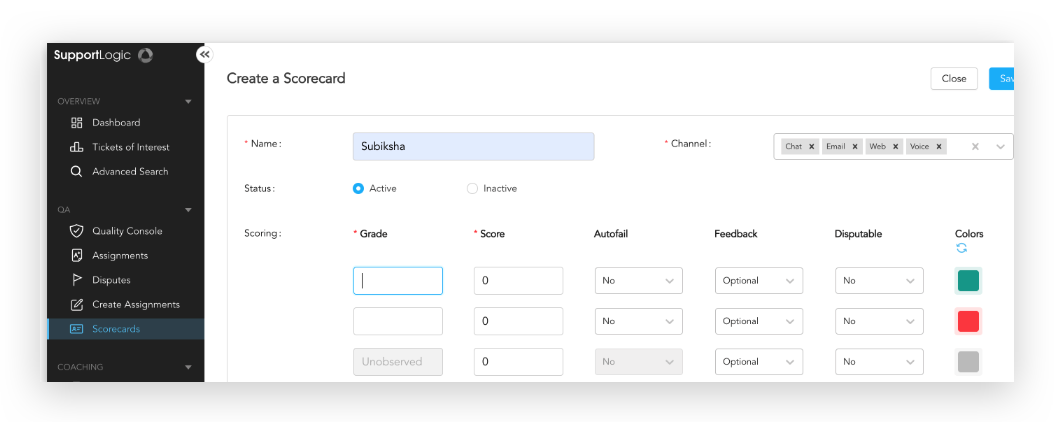
Multiple scorecards can be defined for different support functions or channels.
Each scorecard supports custom weightages for key performance areas (e.g., Accuracy, Empathy, Resolution).
QA Managers can modify rubrics based on evolving business needs.
Purpose:
Enable flexible and consistent evaluation frameworks tailored to specific teams or case types.
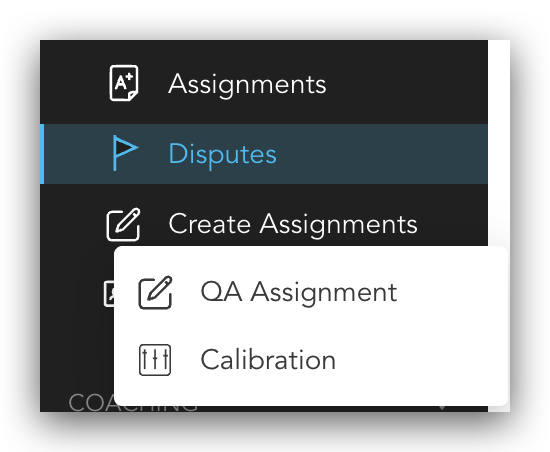
4. Calibration and Dispute Resolution Workflows
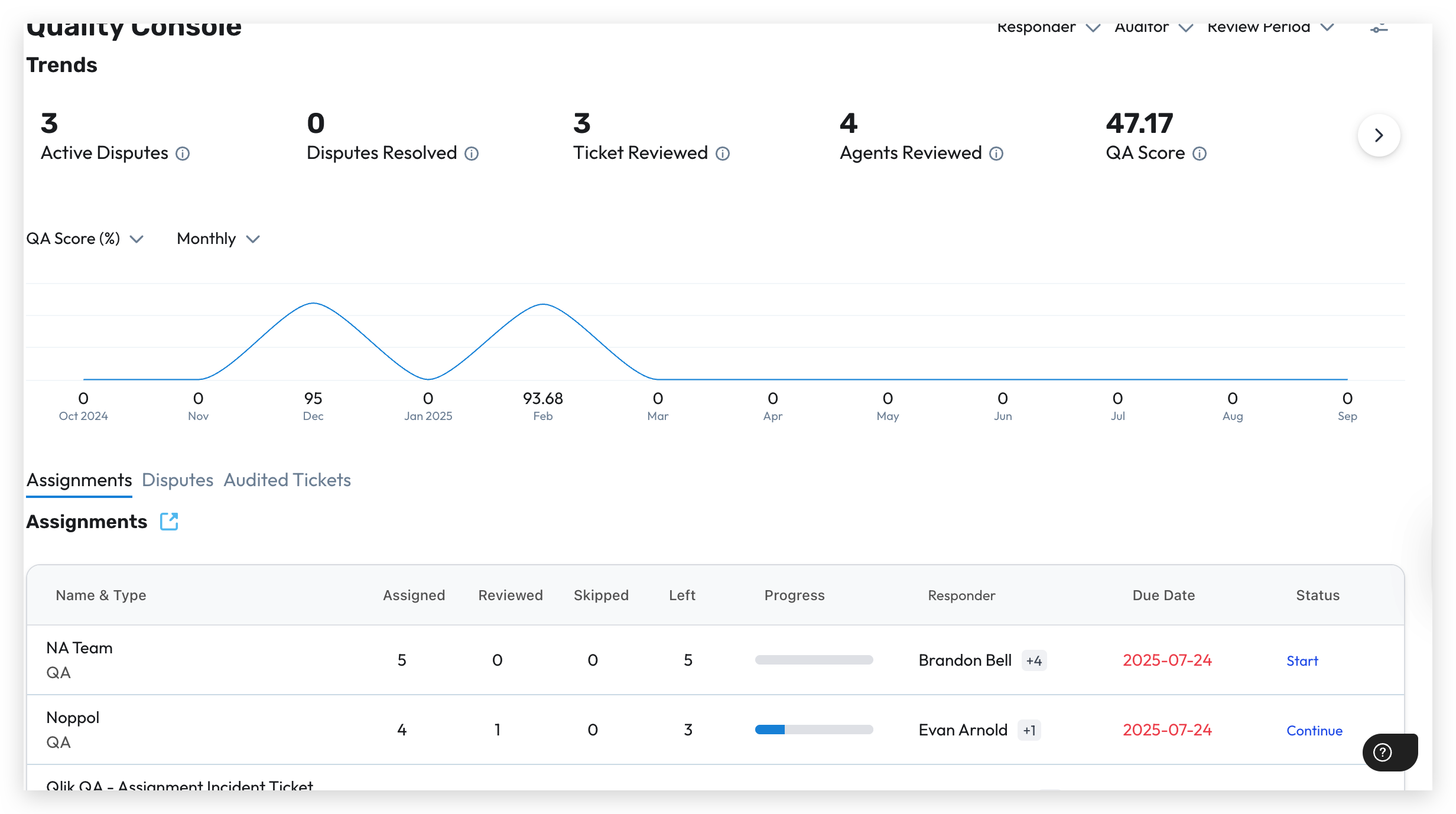
Calibration sessions ensure scoring consistency among QA Analysts.
Dispute workflows allow agents or team leads to challenge QA scores when discrepancies arise.
QA Managers can review and resolve disputes to maintain fairness and transparency.
Purpose:
Align scoring standards across the QA team and maintain mutual trust between QA and agents.
5. Agent Coaching
Integrates coaching workflows directly into the QA process.
QA results can trigger coaching sessions for agents requiring additional support.
Native Loom integration enables asynchronous feedback sharing and recorded coaching sessions.
Purpose:
Facilitate continuous performance improvement through structured and trackable coaching.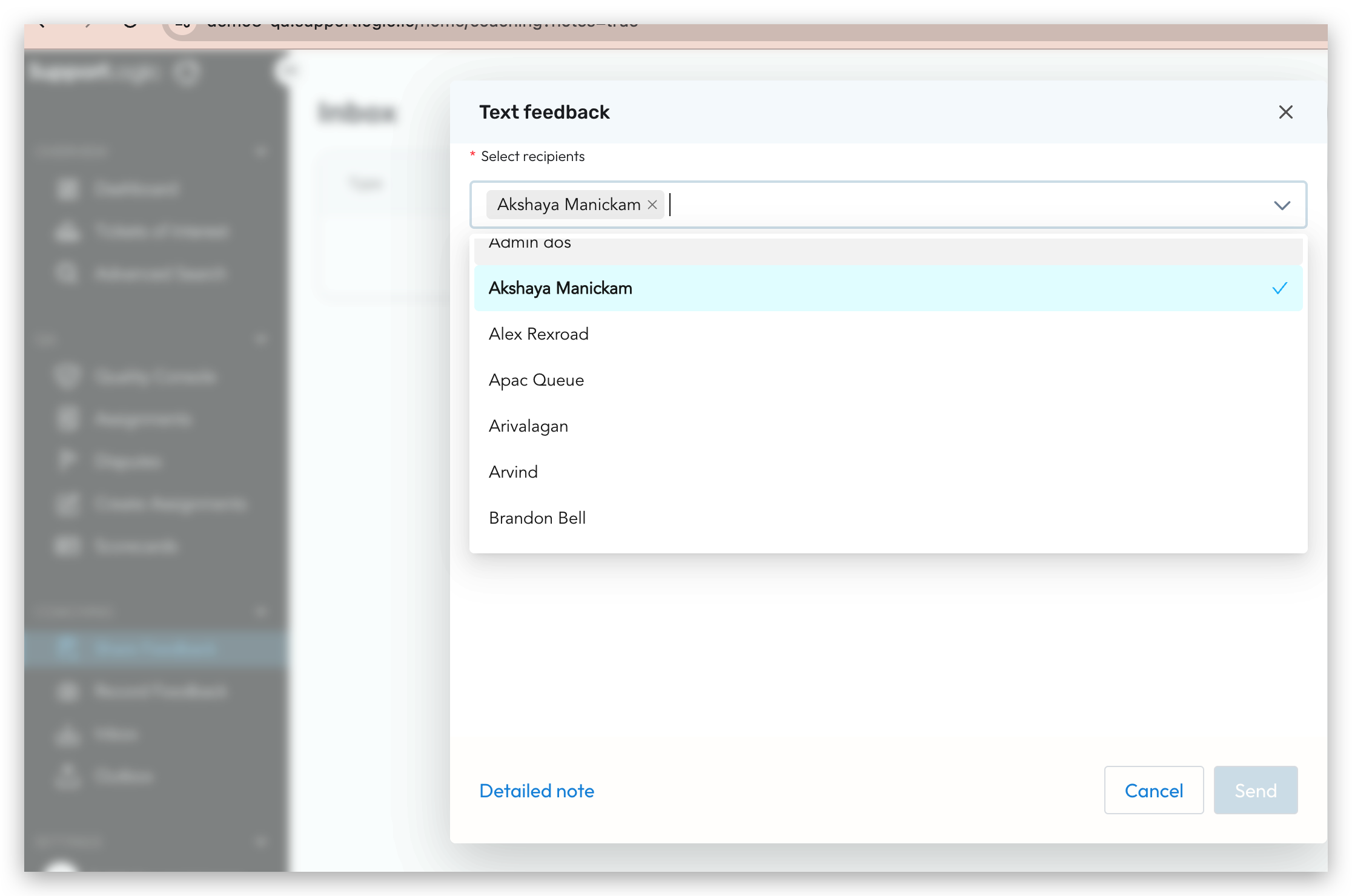
6. Manual QA Workflows
QA Analysts can manually review cases or interactions to evaluate agent performance.
Reviews include qualitative and quantitative scoring based on predefined rubrics.
Each evaluation undergoes internal validation to maintain scoring accuracy and fairness.
Purpose:
Ensures that all customer interactions meet organisational quality standards through hands-on assessment
Was this article helpful?
That’s Great!
Thank you for your feedback
Sorry! We couldn't be helpful
Thank you for your feedback
Feedback sent
We appreciate your effort and will try to fix the article