Purpose
This article explains how sentiment signal counts are calculated in Text Analytics and why the number displayed in the sentiment tiles may differ from the count of cases shown under the individual signal categories below.
Description
SupportLogic analyzes customer communication and identifies specific phrases that indicate different types of sentiments or signals. These signals are then grouped under sentiment categories like Need Attention, Positive, Negative, etc.
The sentiment tile count represents the total number of signals, not the number of cases.
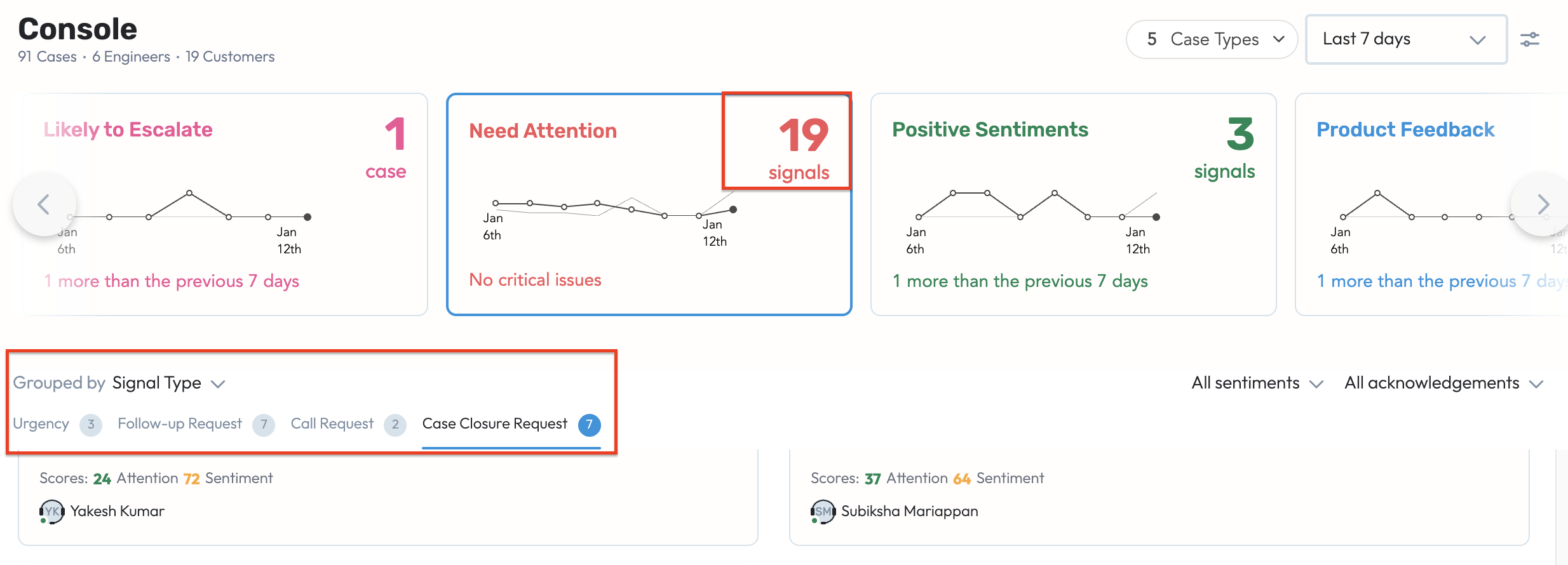
If the same phrase triggers multiple signals within the same sentiment category, it is counted once in the tile, but may appear under multiple signal groups in the detailed view.
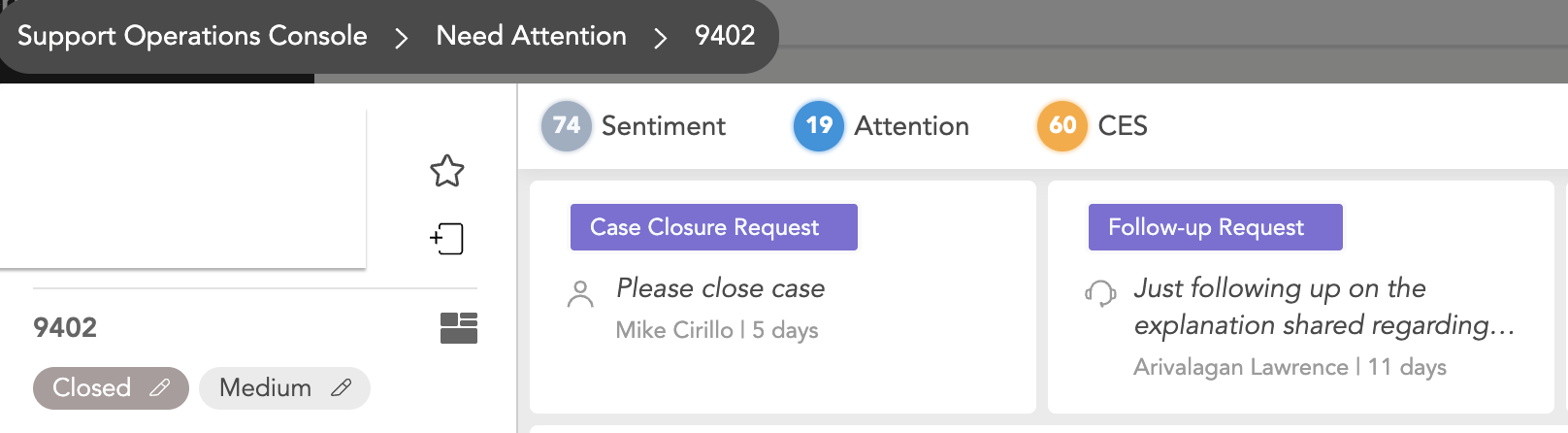
Example
Consider the phrase:
"Can this be escalated to urgent please?"
This single phrase may match multiple signals:
Escalation Request
Urgency
How it is counted:
On the Need Attention tile → it will be counted as 1 signal (because it’s the same phrase detected within the same sentiment category).
In the detailed breakdown below the tile → the case will appear under:
Escalation Request
Urgency
This results in 2 listings, but still 1 signal counted at the tile level.
Was this article helpful?
That’s Great!
Thank you for your feedback
Sorry! We couldn't be helpful
Thank you for your feedback
Feedback sent
We appreciate your effort and will try to fix the article