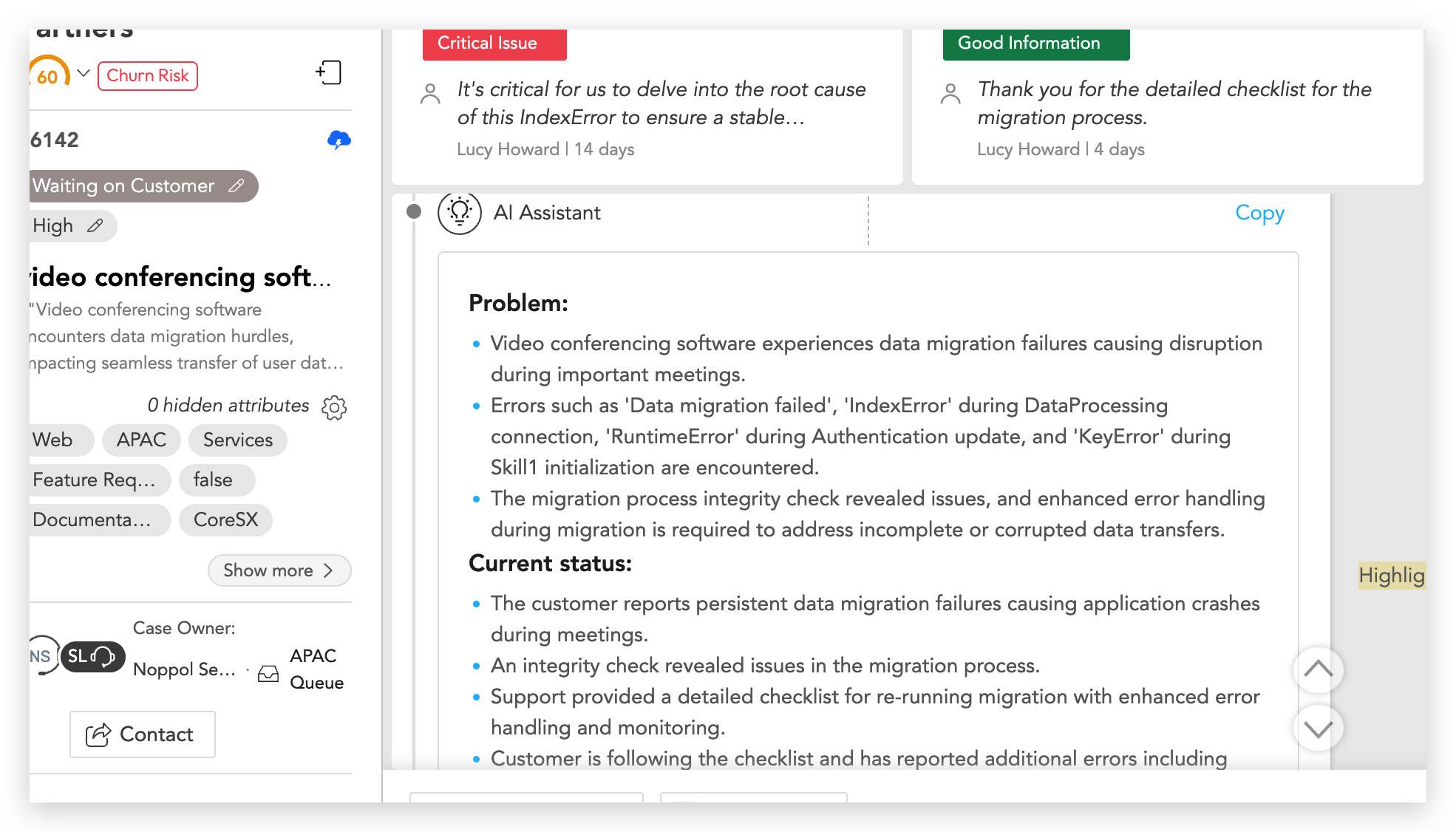
Summarize Ticket not working in SupportLogic


Introduction:


This article outlines the troubleshooting process for issues related to the Summarize Ticket in SupportLogic that may not function as intended. Please follow the steps below to identify common causes and swiftly resolve the issue. 


The possible causes could be:

  • The case selected is not a valid support ticket.

  • Insufficient permissions to view the ticket or its comments.

  • Browser cache issues or interference from extensions.


Resolution:

Follow the steps below to resolve the issue:

  1. Try from another ticket:

    • Open another support ticket.

    • Click Summarize Ticket again.

  2. Verify access permissions:

    • Ensure you have permission to view the ticket and all its comments.

    • Limited access can prevent the summary from appearing.

  3. Refresh and retry:

    • Refresh the page and try again.

    • Test in an incognito/private window or a different browser to rule out cache or browser extensions.


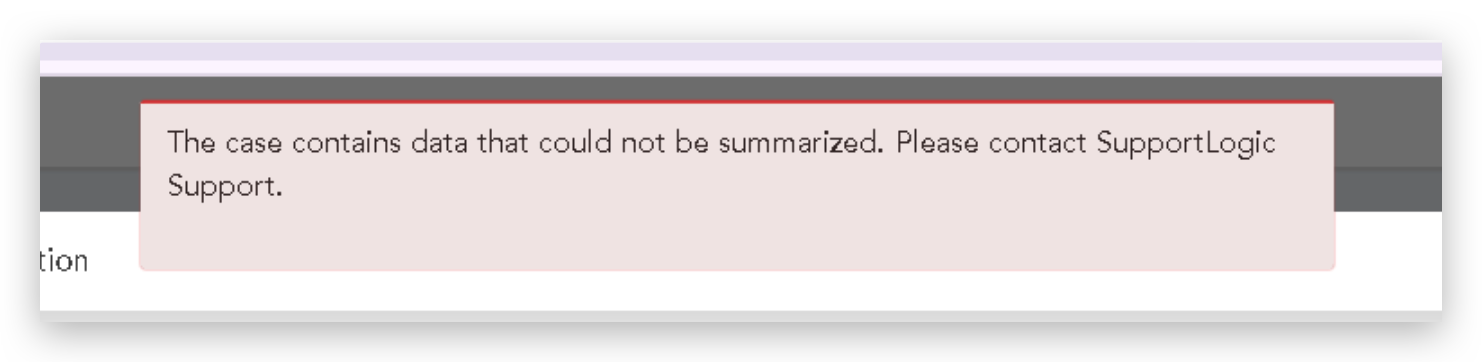
Note: If there is error that is displayed while using case summarization, please contact SupportLogic Support team.


Was this article helpful?

That’s Great!

Thank you for your feedback

Sorry! We couldn't be helpful

Thank you for your feedback

Let us know how can we improve this article!

Select at least one of the reasons
CAPTCHA verification is required.

Feedback sent

We appreciate your effort and will try to fix the article