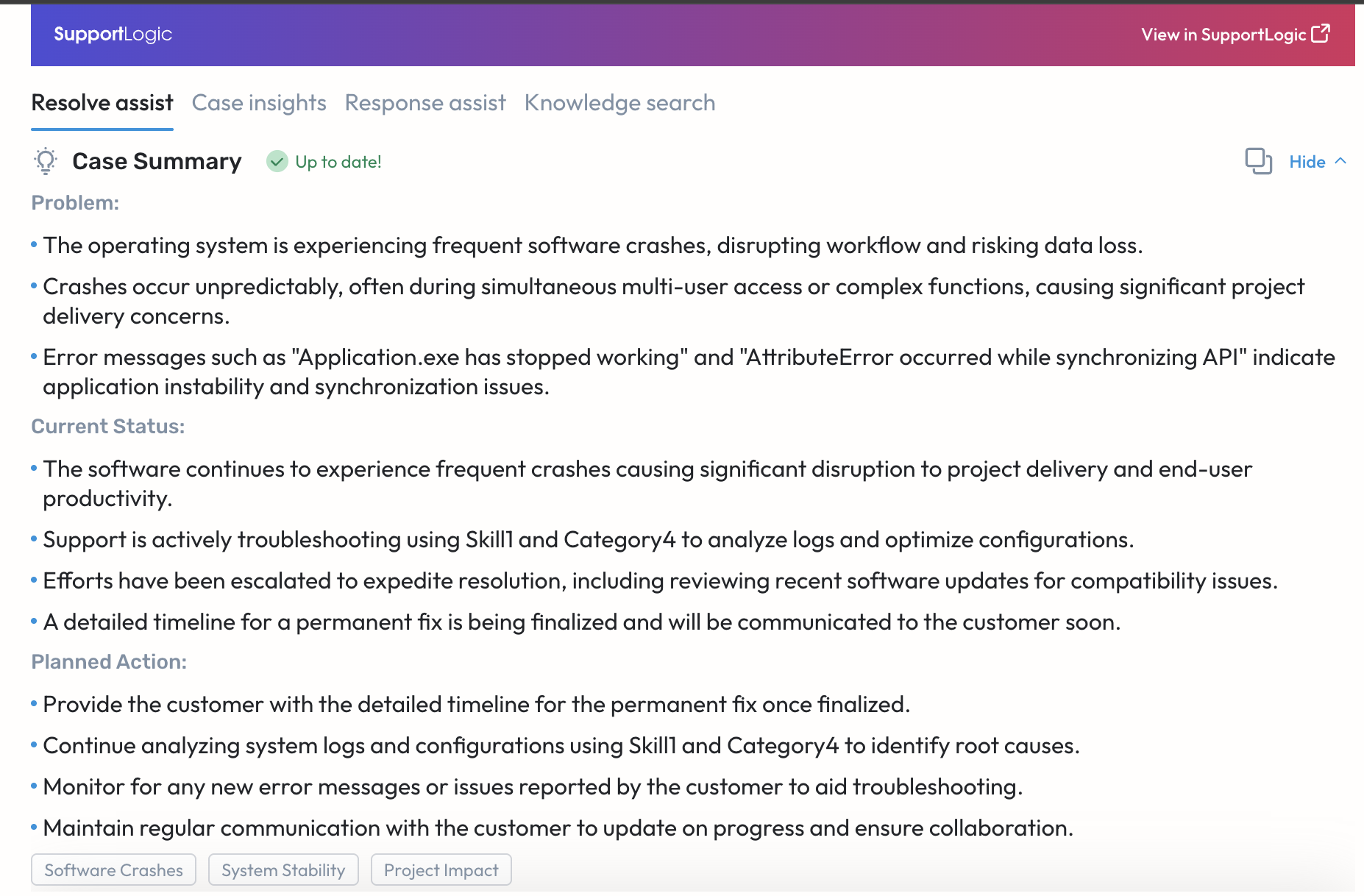
Case Summary
What It Does
- Summarizes the issue, history, and current status
Why It Helps
- Faster case understanding
- Easier handoffs
- Less time reading long threads
How It Works
- Generated automatically or on demand
- Marked outdated when new updates arrive
- Can be refreshed anytime
Knowledge Search
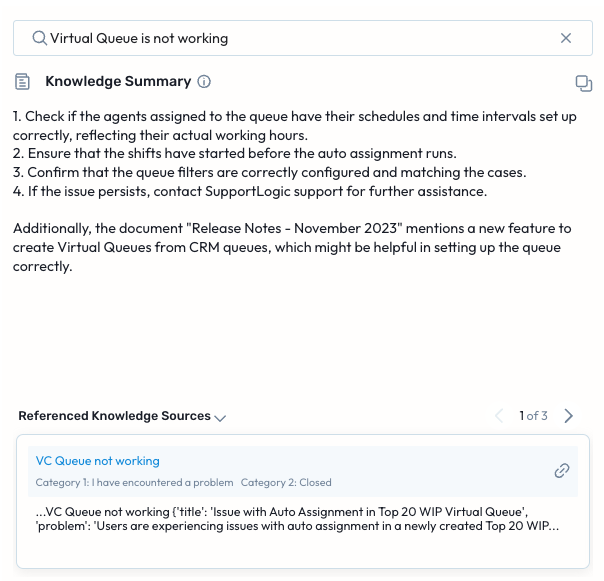
The Knowledge Search tab is part of the Assist iFrame / widget that sits inside your CRM (Salesforce, Zendesk, Dynamics, etc.) or inside SupportLogic’s Support Hub. It lets support engineers search across customer knowledge sources without leaving the case.
Within the widget, Knowledge Search allows agents to:
Search multiple knowledge sources at once
Supported systems (per the xFind “Knowledge Search Tab” guide:Confluence
Document360
GetGuru
HigherLogic
KnowledgeOwl
MindTouch
Notion
Paligo
Salesforce Knowledge & Salesforce custom objects
Zendesk Articles
Knowledge Summary
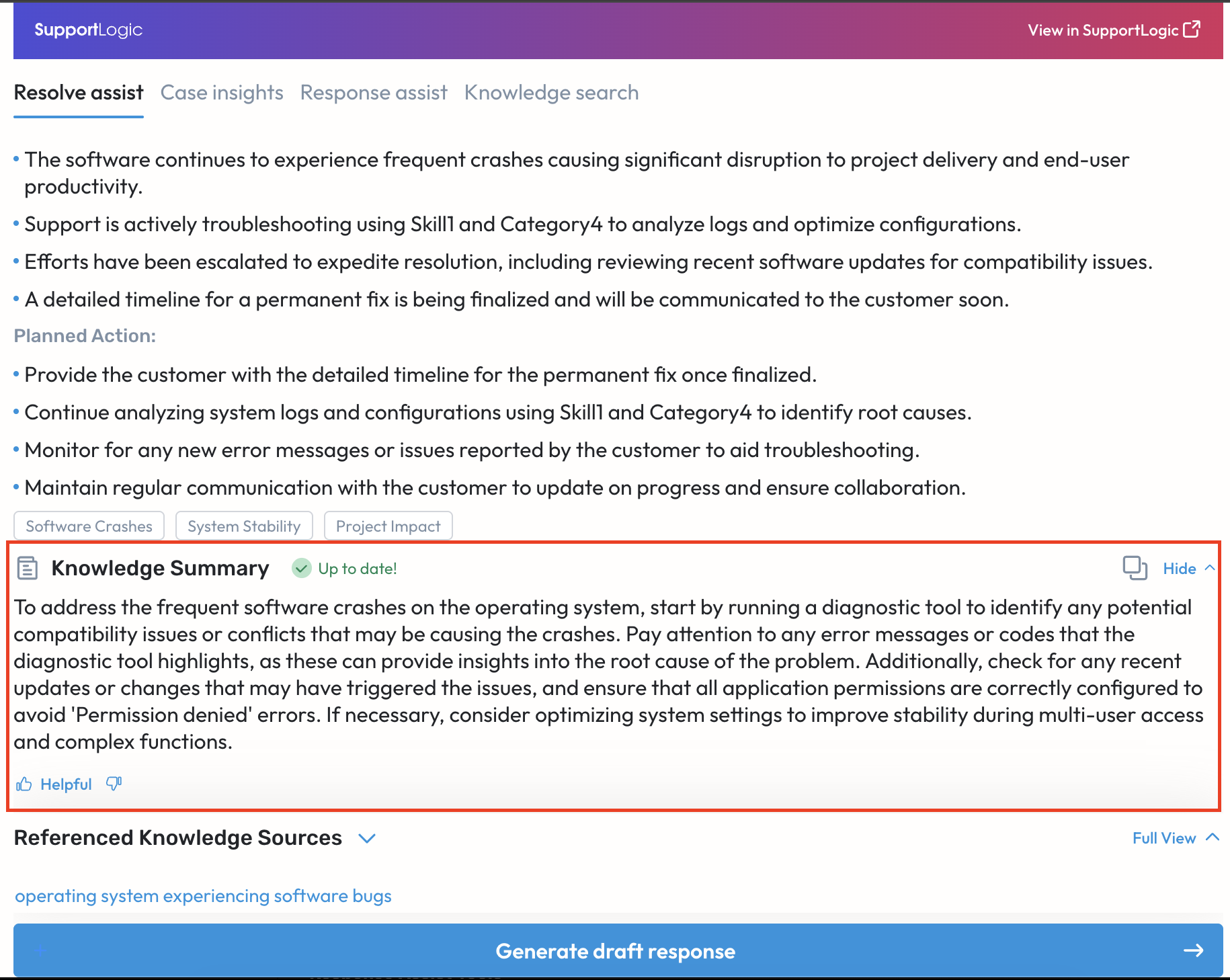
Resolve Assist searches across:
- Past cases
- Engineering tickets (e.g Jira)
- Knowledge bases (e.g Confluence, Help Center)
Agents see:
- Suggested resolution approach
- Troubleshooting steps
- Referenced knowledge sources
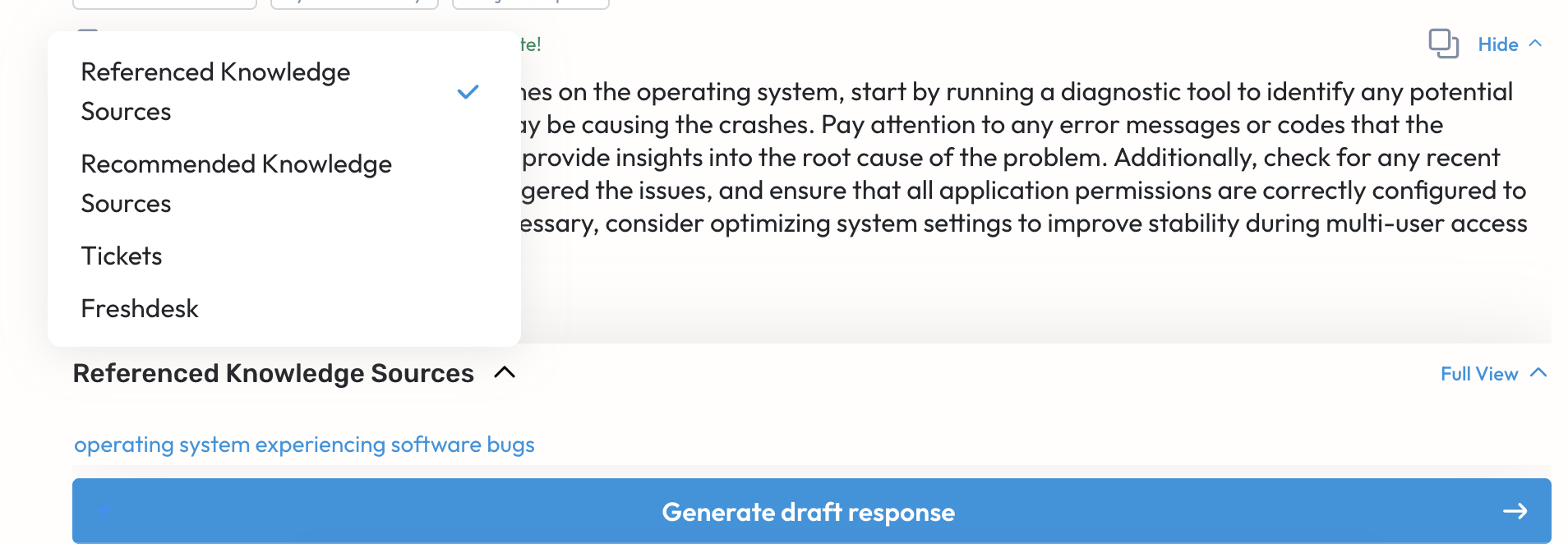
Recommended Knowledge Sources
Even without Knowledge Summary enabled, agents can:
- View related cases and articles
- Filter by source type
Related Articles
Was this article helpful?
That’s Great!
Thank you for your feedback
Sorry! We couldn't be helpful
Thank you for your feedback
Feedback sent
We appreciate your effort and will try to fix the article