What are Top Entities? |
The Top Entities visualization is a ranked horizontal bar chart that highlights the 15 most frequently occurring keywords across the selected cases. It displays both the total number of occurrences for each keyword and the percentage of cases in which the keyword appears.
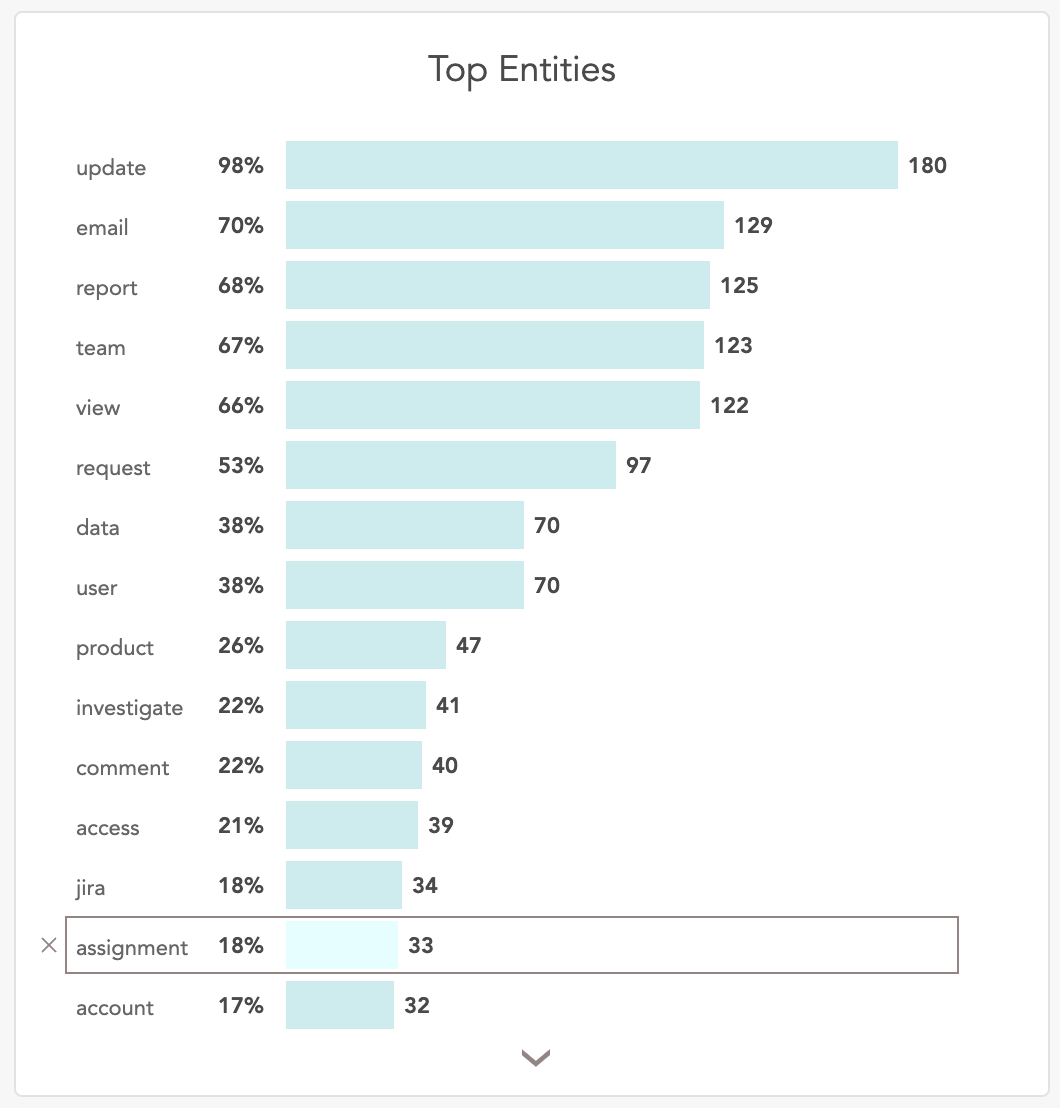
To view the cases associated with a specific keyword, click on the desired keyword in the Top Entities horizontal bar chart. Upon selection, an interactive donut chart will display the distribution of case statuses for that keyword. The chart updates dynamically based on the selected entity in the Top Entities graph.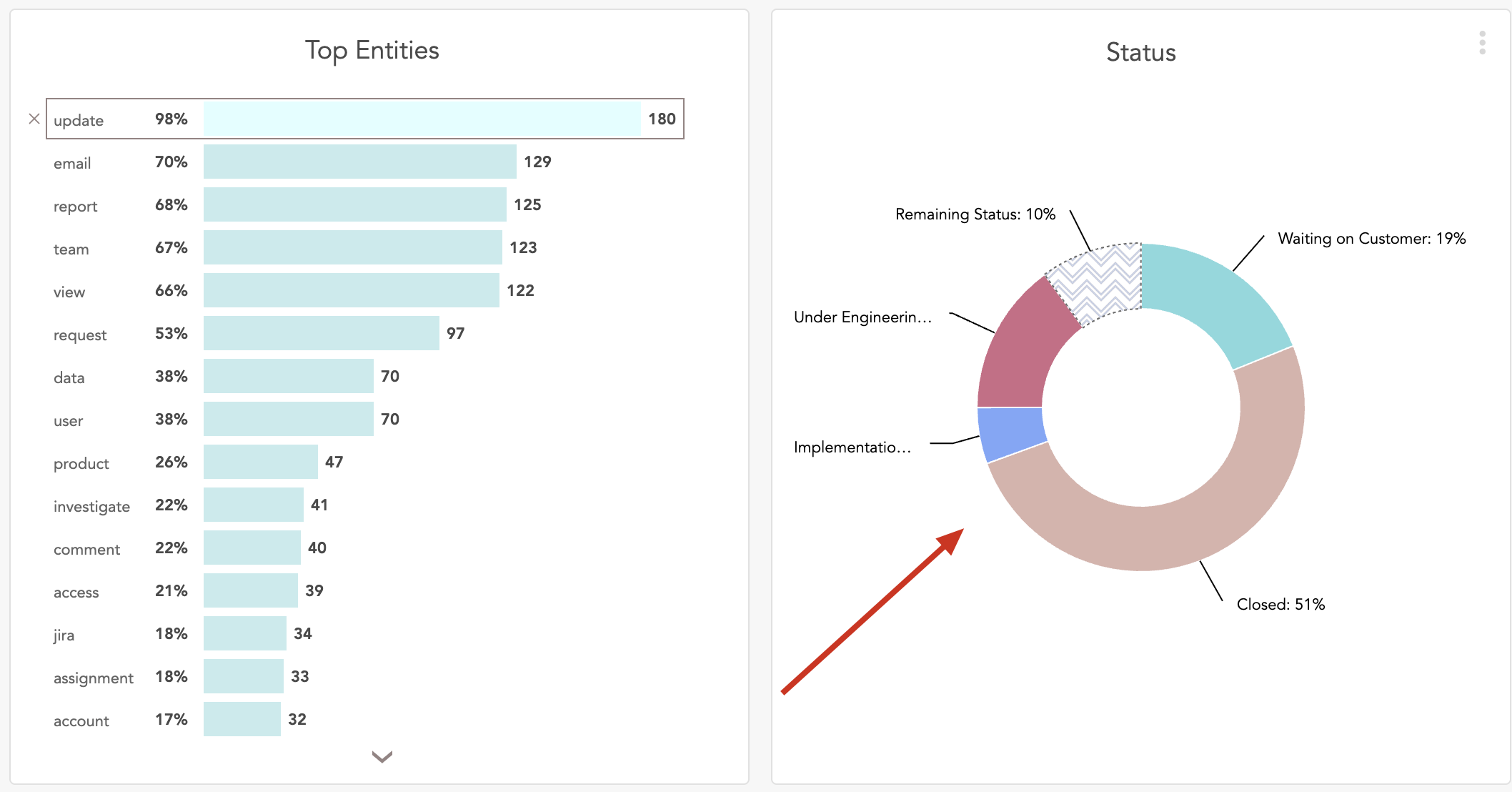
To view the cases associated with a specific keyword, click on the relevant slice in the donut chart. For example, select the “Waiting on Customer” segment to see the cases under that status. From the displayed list, you can click on any case to open and view its details in SupportHub.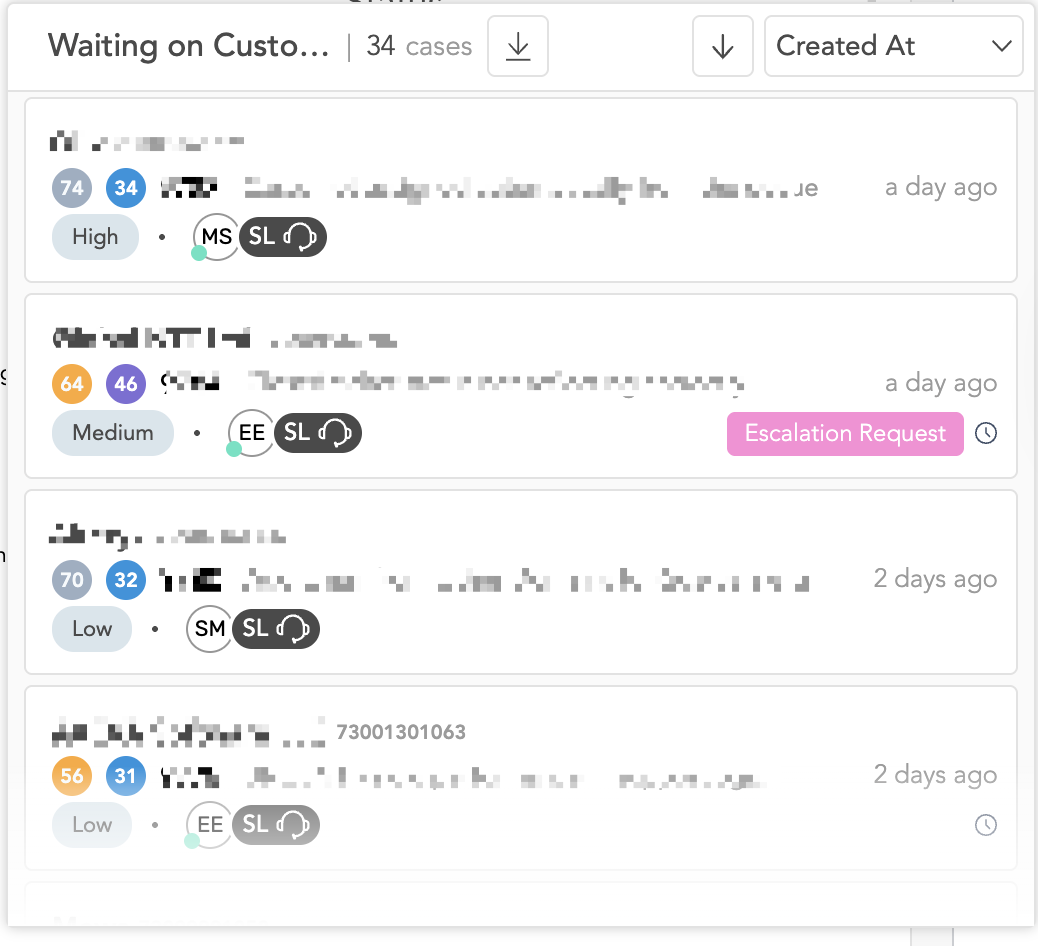
How Keywords Are Displayed in Top Entities:
The keywords are provided by the customer and are configured in our backend ontology. Based on these configured keywords, the system analyses the cases and displays the top 15 most frequently occurring entities in the SupportLogic UI.
Was this article helpful?
That’s Great!
Thank you for your feedback
Sorry! We couldn't be helpful
Thank you for your feedback
Feedback sent
We appreciate your effort and will try to fix the article